Searching structured data has always meant knowing the exact words it was tagged with. Search for “servers with thermal issues” and you miss every record tagged “CPU throttling” or “fan degradation.” Search for “customers upset about billing” and you miss “subscription surcharge dispute.”
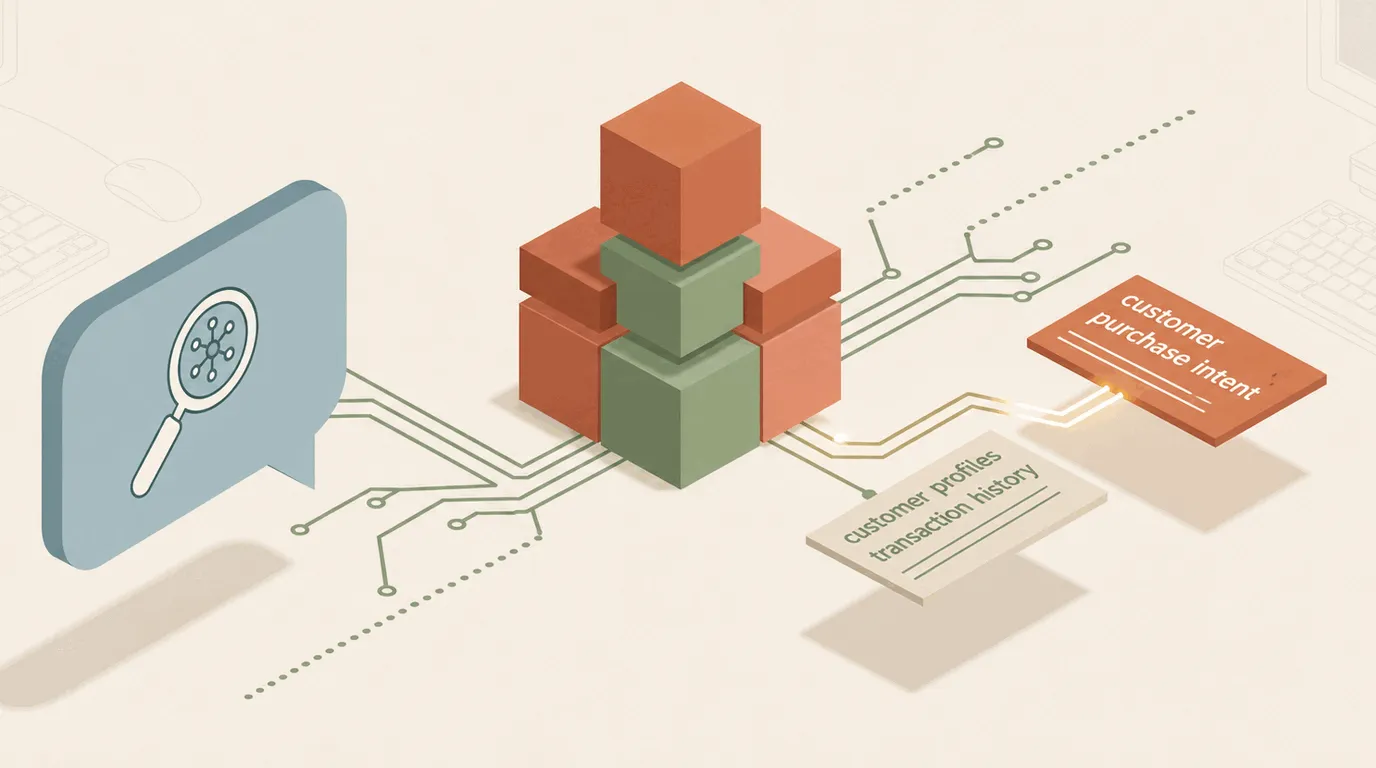
Every dynamic schema in Omnismith now understands intent as well as keywords. Native semantic search — powered by a built-in multimodal embedding engine — operates directly alongside the exact-match search already available on every field.
What this unlocks
- Ask in plain English. Describe a problem, a symptom, or a concept, and Omnismith finds the records that match the meaning, even when the wording is completely different.
- No separate vector database. Semantic search lives inside your existing project data. There is nothing extra to stand up, sync, or keep consistent, and every result still respects the same project and field-level permissions your team already has.
- Built for your AI assistant as much as the UI. Claude, Cursor, or any MCP-connected assistant selects semantic search automatically for conceptual requests, and falls back to exact search when given precise criteria.
- Ready for more than text. The same embedding engine understands text, images, audio, and documents in one shared space. As Omnismith expands to index file attachments and scanned documents, they search the same way, with no migration required.
In practice
Consider an infrastructure project tracking hundreds of servers and incident logs. A record might read: “Fan RPM degraded; CPU temperature peaked at 98°C causing frequency drops.”
Ask your AI assistant to “find servers showing signs of overheating or thermal instability,” and that record surfaces at the top, even though it never uses the words “overheating” or “thermal.” The embedding engine matches on meaning.
Availability
Semantic search is enabled by default across every project. No configuration, re-indexing, or schema change is required before an AI assistant or a manual query can use it.
This capability extends the same agent-native reasoning covered in AI Tool-Calling: Translating Business Requirements to Database Schemas and pairs directly with the storage-architecture case made in Why Fixed SQL Schemas Break Autonomous Agents (and Why Runtime Schemas Win) and Comparing MCP Storage Architectures: SQLite vs. PostgreSQL vs. Runtime Dynamic Schemas for AI Agents: an agent that can both scaffold and semantically query its own schema no longer needs a separate retrieval pipeline bolted on afterward.
Learn more about how Omnismith keeps your schema flexible in the Headless Backend Guide.